December 15, 2025 / by Fortify Labs / In information, connected vehicles, vehicles, privacy, Ford Ranger
Behind the Dashboard: Part 1
Privacy Concerns – Ford Ranger
Welcome to the first post in our new blog series:
Behind the Dashboard: Privacy Demonstration & Data Extraction in Connected Vehicles – Ford Ranger.
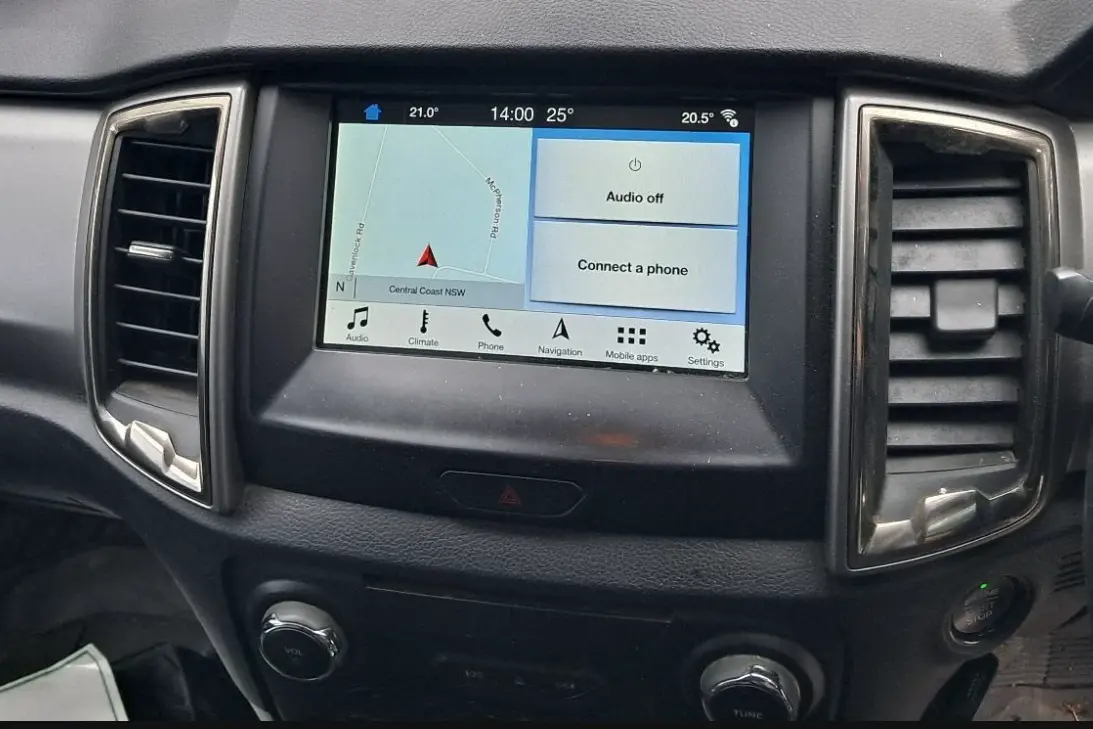
In this series we’ll explore the type of data that can be extracted from a Ford Ranger equipped with the SYNC® 3 infotainment system. Our goal is to show what modern connected vehicles collect and how that data might impact privacy.
To keep things clear and focused, we’ve broken the series into five parts:
This post.
A review of the data we extracted and analyzed.
Where the Bluetooth Device data lives in the file system and the formats used.
Where the GPS and Driving data lives in the file system and the formats used.
How to run the infotainment system outside the vehicle.
Methods and tools used to access and read the memory chip.
What does, and more importantly does not, get erased after a "factory reset.
Why This Series?
Privacy concerns around connected vehicles have been making headlines for years — and for good reason. Today’s cars are rolling computers, collecting data much like the smartphone in your pocket.
But here’s the problem: while the headlines are loud, verifiable data is often missing. We want to change that.
This series focuses on one component — the infotainment head unit — from one popular vehicle: the PX3 (or third-generation) Ford Ranger. We’ll extract and analyze real data to show what’s actually being collected.
Why does this matter? Many of us think differently about privacy in cars compared to phones. Maybe it’s because we don’t imagine sharing sensitive information through our vehicles. But the reality is, when you combine enough data — especially location, timestamps, and usage patterns — your car (and the manufacturer) can know a lot about you.
So, what kind of data are we talking about?
Modern vehicles can log:
- Location and GPS trip history
- Connected devices (phones, USB drives)
- Wi-Fi networks the vehicle detects
- Driving behavior (speed, harsh braking, collisions, etc.)
- Seat belt status, warning lights, driver-assist settings
- Diagnostic and system health data
At Fortify Labs, we’ve assessed many vehicles and seen firsthand how much information is stored across various automotive systems — from telematics modules to crash recorders and infotainment units. This series is written to share some of what we found and also demonstrate how we obtained it.
Why the PX3 Ford Ranger?
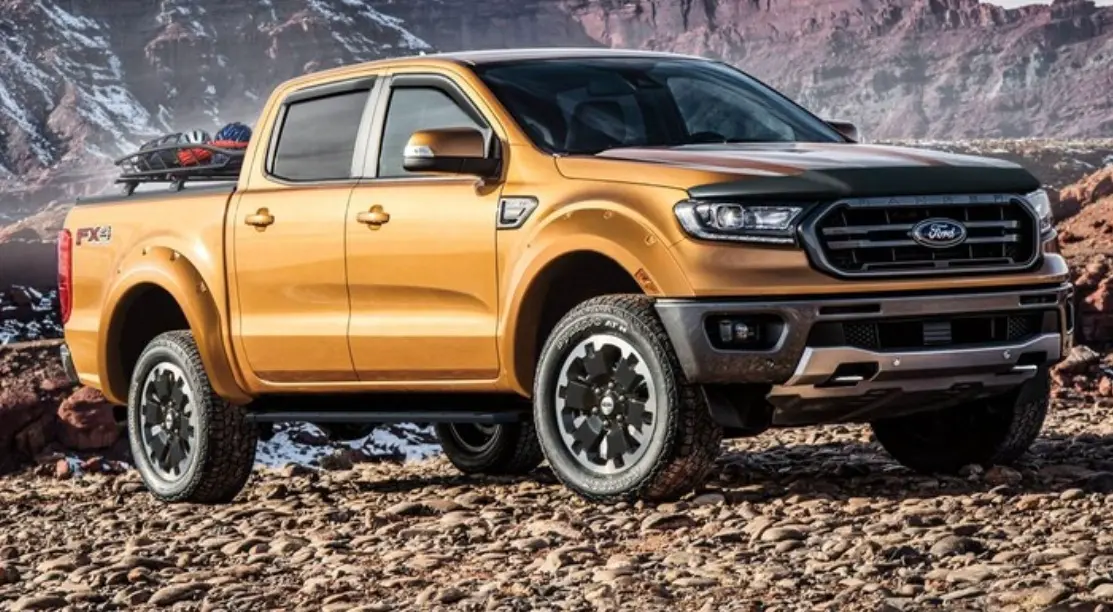
The PX3 (third-generation) Ford Ranger launched in Australia in 2018 and was sold through 2022. It featured SYNC® 3 with Apple CarPlay and Android Auto, making it a great candidate for this project.
Between 2019 and 2022, the Ranger was one of Australia’s best-selling vehicles, with over 150,000 units sold. Its popularity matters for two key reasons:
- It represents a significant share of the market.
- Used parts are easy to find.
What is a Head Unit?
The head unit is the central control interface for a vehicle’s infotainment system — the screen and hardware that manage audio, navigation, connectivity, and various in-car functions.
In modern connected vehicles, it’s much more than a radio: it stores:
- Data from paired devices.
- GPS history and Navigation History
- Wi-Fi networks the vehicle detects
- Certain vehicle diagnostics.
Effectively, it’s the brain of the car’s entertainment and connectivity features — and a key source of personal data.
Sourcing Parts
For this project, we needed used SYNC® 3 head units. While there are plenty of wrecker websites, we found Facebook Marketplace and Gumtree to be the most practical options. They’re local, fast, and often have better availability than eBay or wrecker listing sites.
In our case, we sourced parts from a seller offering components from two PX3 Rangers (a 2021 and a 2022, both XLT trim). After checking seller reviews and agreeing on a price, the parts arrived a few days later.
SYNC® 3 Disassembly
This section provides an overview of the SYNC® 3 unit’s disassembly process to reveal the chip where user data is stored.
The goal here isn’t to break down every chip or explain each component’s function. Instead, we highlight the key hardware to illustrate that the head unit has significant computing capability—including chips similar to those found in mobile phones.
Step 1. Removed Head Unit
The following images show the head unit and screen after removal from the vehicle:
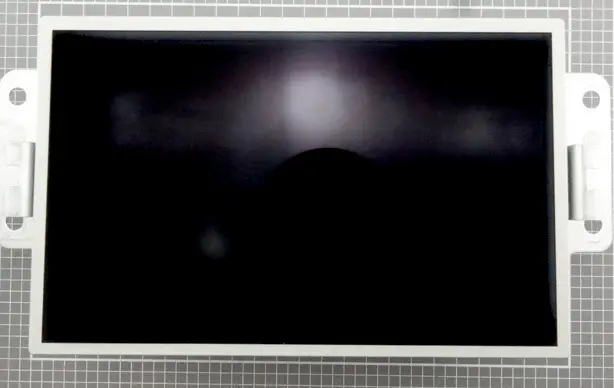
SYNC® 3 Head Unit – Front
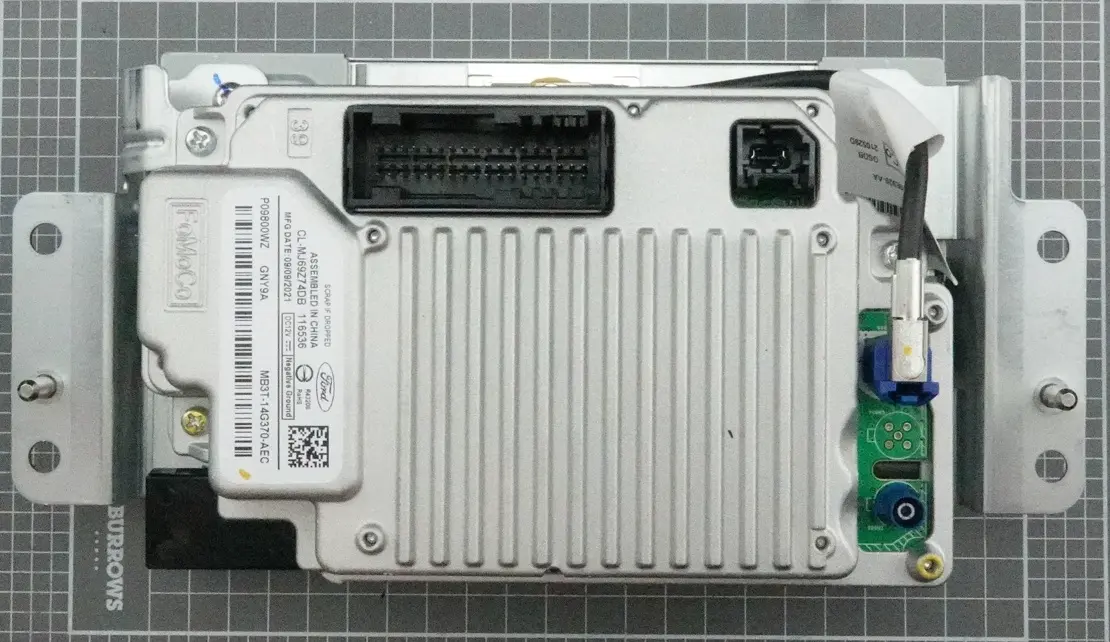
SYNC® 3 Head Unit – Back
Step 2. Separate the Screen Module
Remove the screen from the head unit:
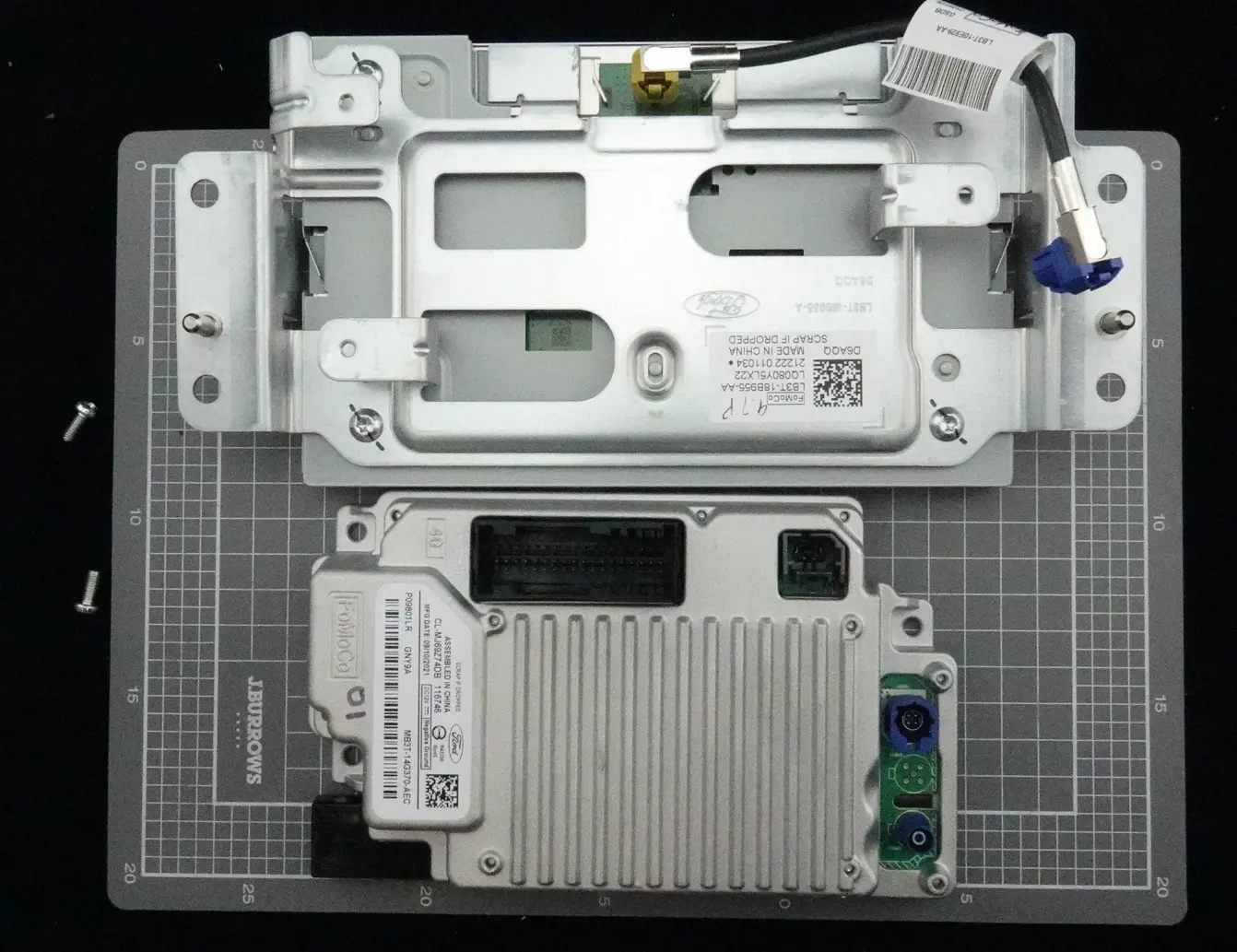
SYNC® 3 Head Unit - Screen & Head Unit Separated
Step 3. Separate the Internal Printed Circuit Boards:
This version of the SYNC® 3 unit contains two separate printed circuit boards (PCBs) connected by large connector. Remove the top PCB to access the bottom board:
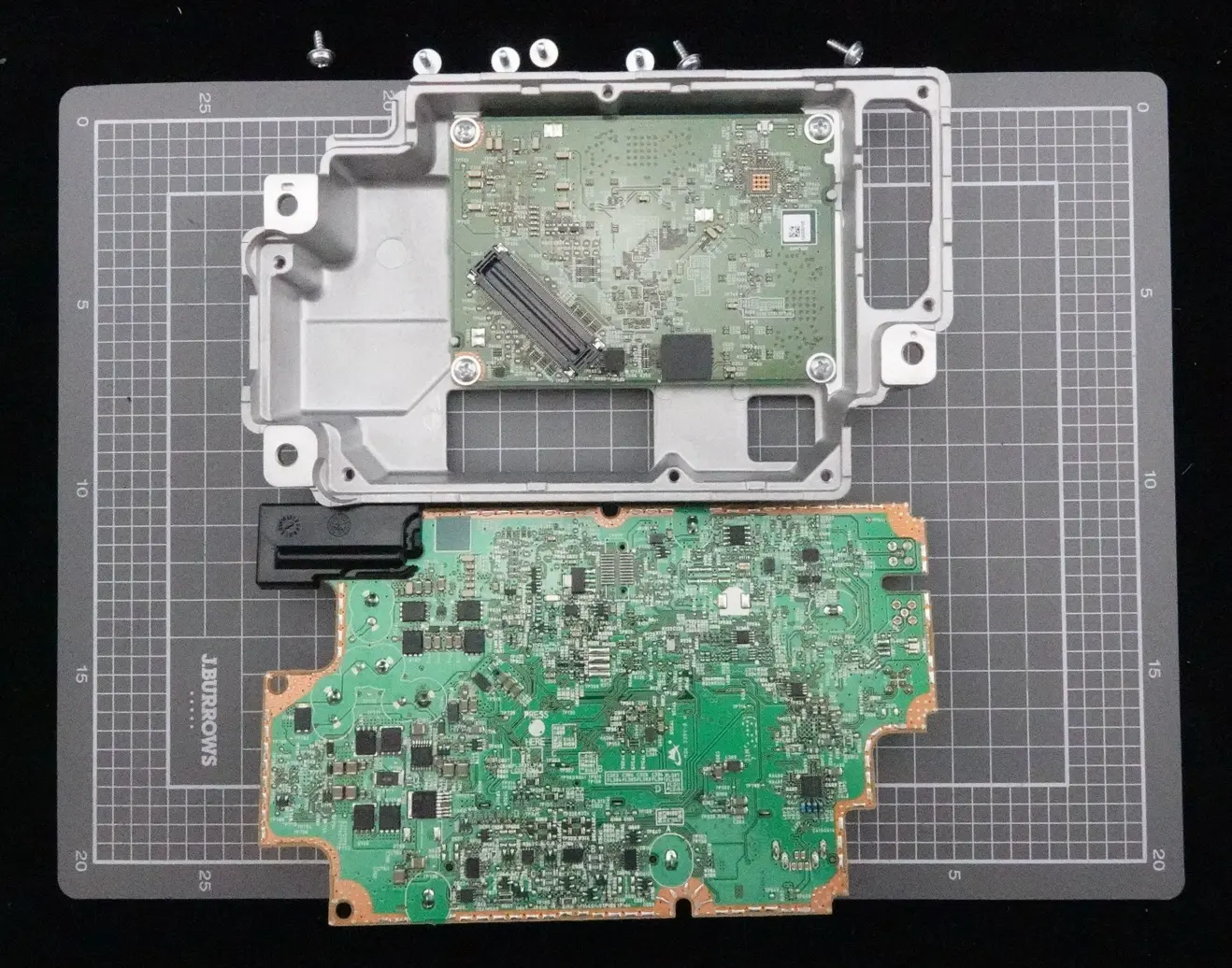
SYNC® 3 Head Unit - Remove Top Circuit Board
Step 4. Remove the Bottom PCB
Remove the bottom PCB from the casing:
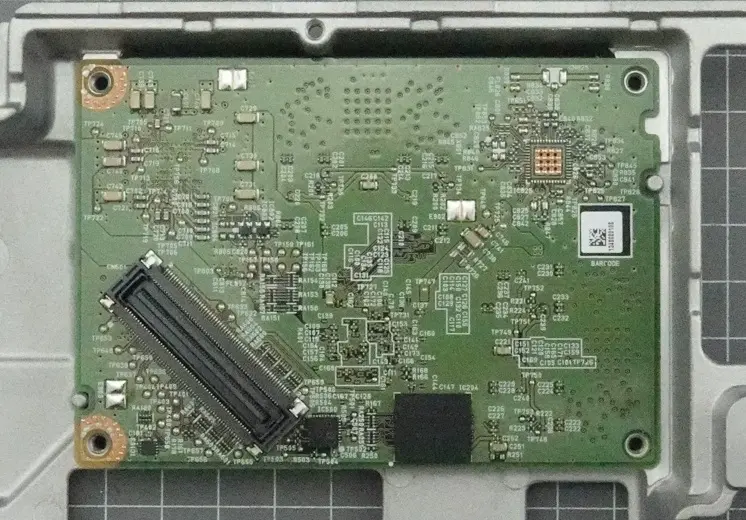
SYNC® 3 Head Unit - Remove Bottom Circuit Board
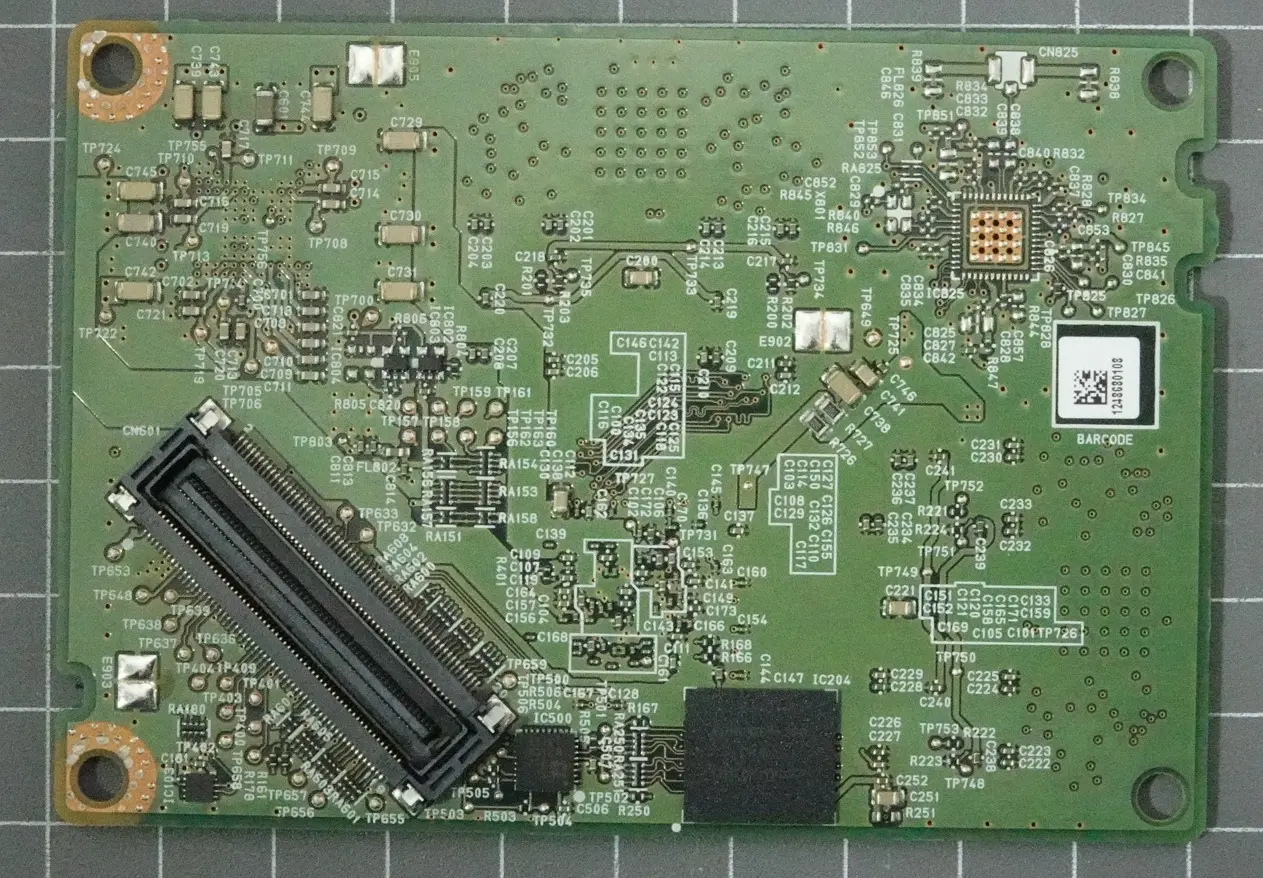
SYNC® 3 Head Unit - Bottom Circuit Board Removed (Top of Board)
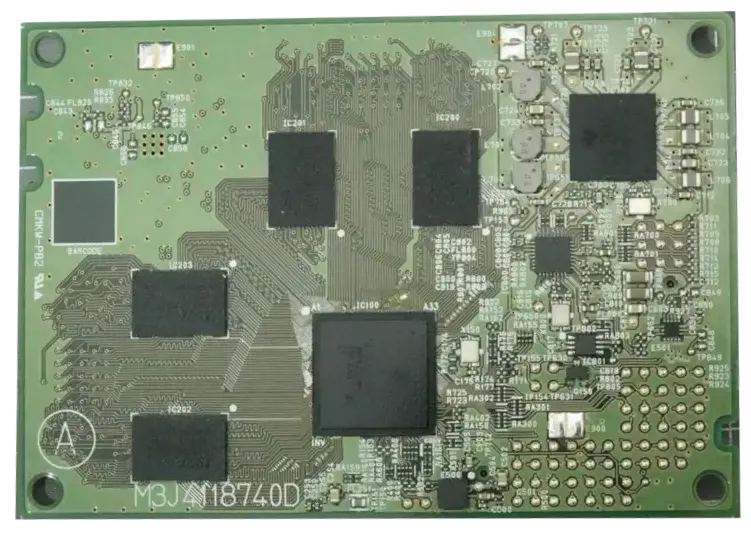
SYNC® 3 Head Unit - Bottom Circuit Board Removed (Bottom of Board)
Notes:
- Upon examining the chips on the PCBs, we determined that user data is most likely stored on the SanDisk chip shown below:
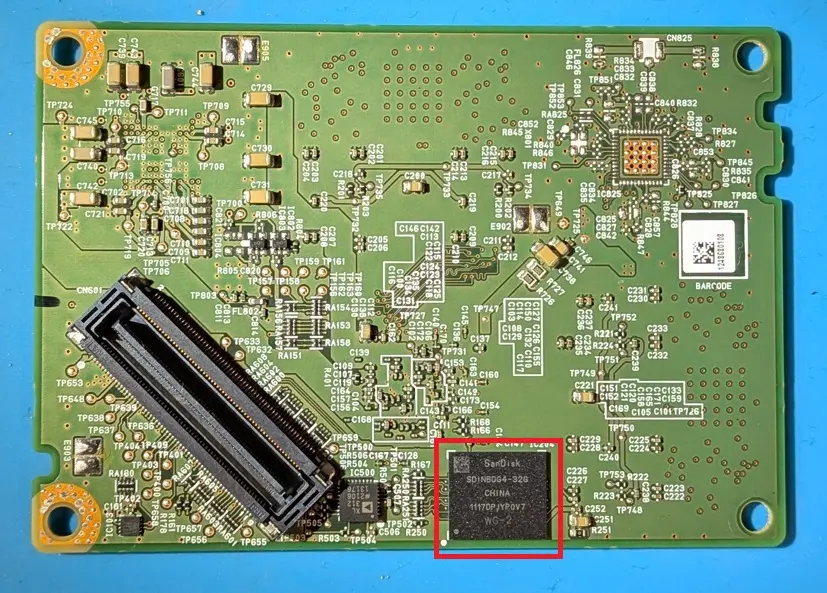
SYNC® 3 Head Unit - Main Memory Chip
- The following chips highlight the PCB’s main processing area:
- Four chips (highlighted in blue) represent 4 GB of RAM each
- The chip shown in purple is the PCB’s main CPU
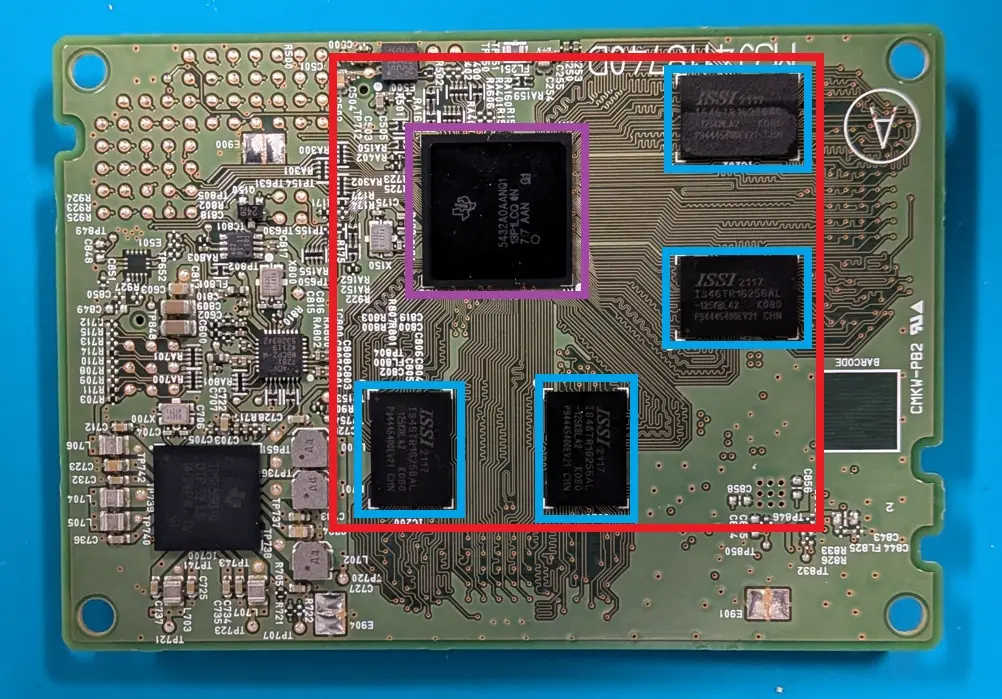
SYNC® 3 Head Unit - Main Processing Area
Next Up
In the next post, we’ll dive into the data itself—what we found inside the SYNC® 3 system and why it matters.